Bienvenue sur le site officiel de Gilles Bellerose et du Je M'égare BAnd

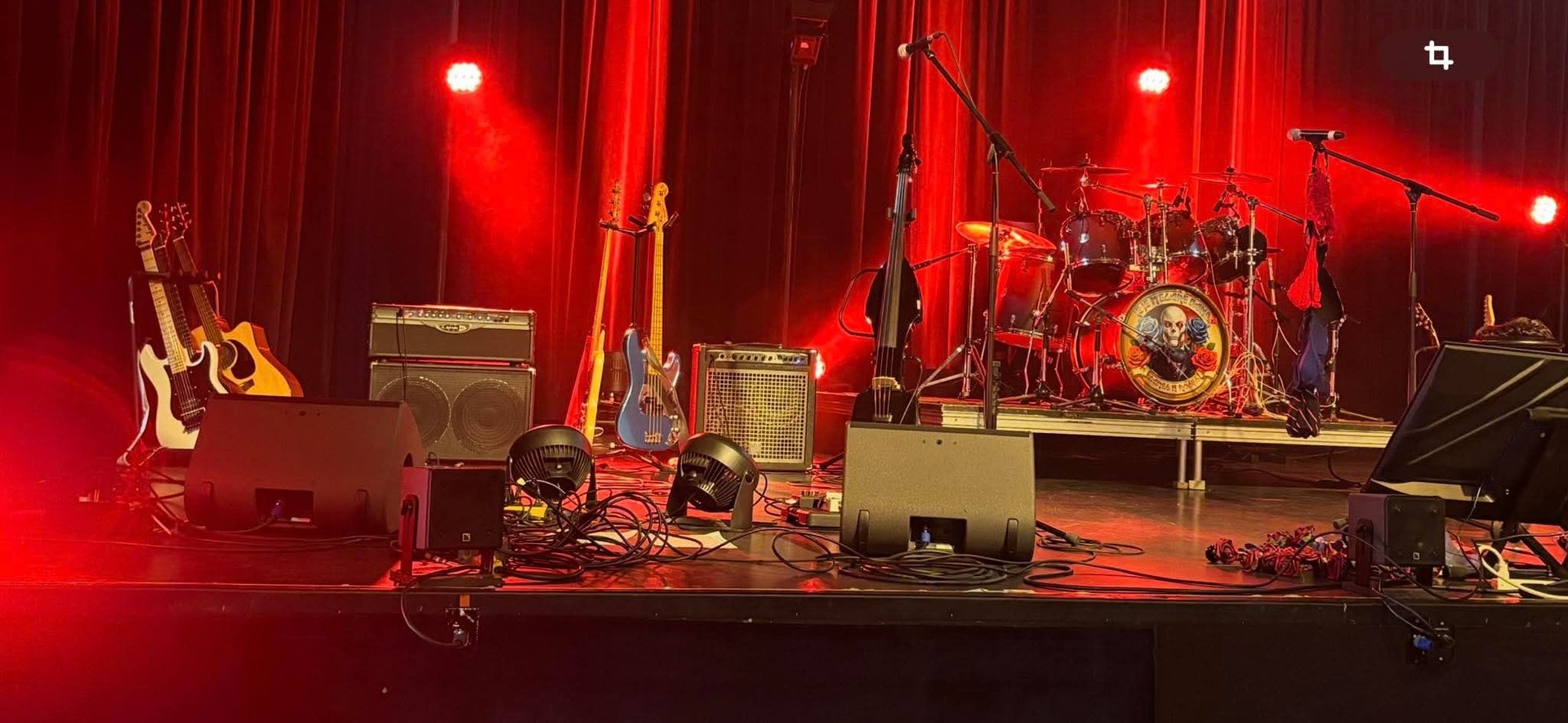
ACHETEZ VOS BILLETS DÈS AUJOURD'HUI
LA SOURCE DE LA MARTINIÈRE À QUÉBEC LE 6 JUIN 2026
LE CAFÉ CULTUREL DE LA CHASSE-GALLERIE À LAVALTRIE LE 11 JUILLET 2026
LA SALLE THÉÂTRE LA SCÈNE À SAINTE-HYACINTHE LE 29 AOÛT 2026






PREMIÈRE PARTIE: SAMUEL GRENIER LE 11 JUILLET ET 15 AOÛT
DEUXIÈME PARTIE: DANY DUFOUR LE 6 JUIN, LE 11 JUILLET ET LE 15 AOÛT
TROISIÈME PARTIE : LE JE M'ÉGARE BAND
LES MÉTHODES CONCRÈTES POUR CONTRIBUER VOLONTAIREMENT
CONTRIBUTIONS VOLONTAIRES PAR VIREMENTS INTERAC
La meilleure solution afin d’aider ce média à continuer de vous offrir des produits de qualité professionnelle et diversifiés comme aucun autre créateur de contenu. Merci de programmer des virements Interac récurrents en date du 20 de chaque mois. ADRESSE: DINDONMAUVE@GMAIL.COM


CONTRIBUTIONS VOLONTAIRES VIA CARTE DE CRÉDIT
Une autre très bonne façon d'encourager via contributions volontaires du contenu de qualité professionnelle et diversifiés comme aucun autre créateur de contenu. Merci de programmer des virements Interac récurrents en date du 20 de chaque mois.
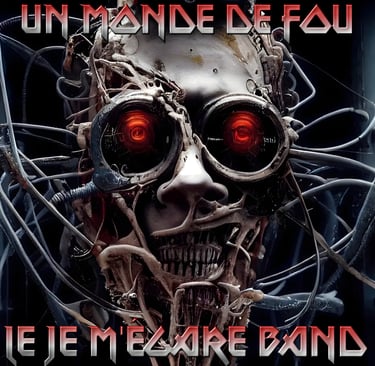
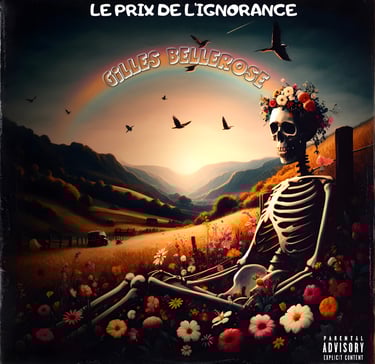


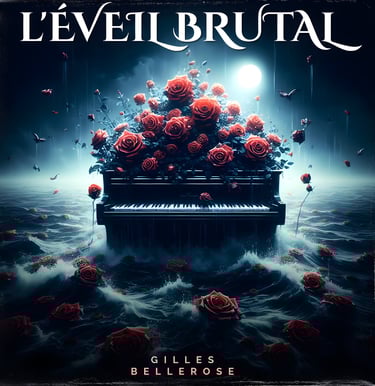
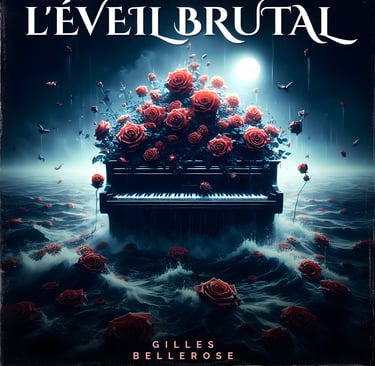
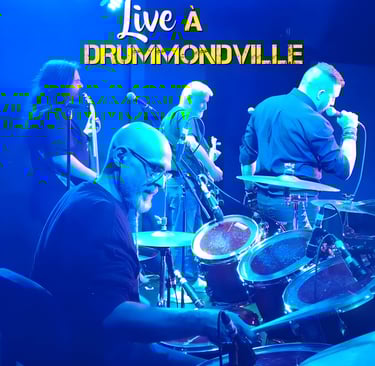
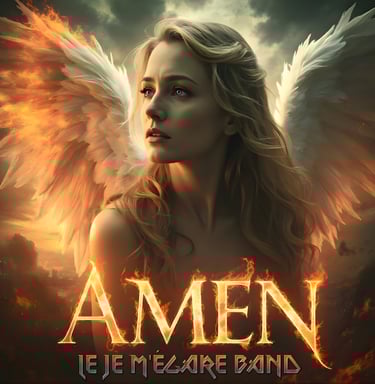
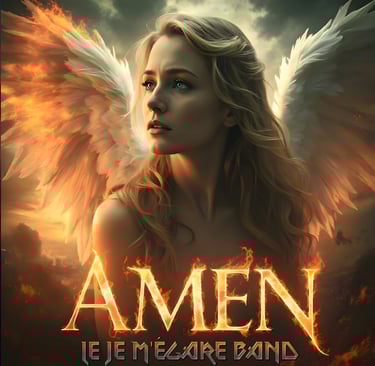
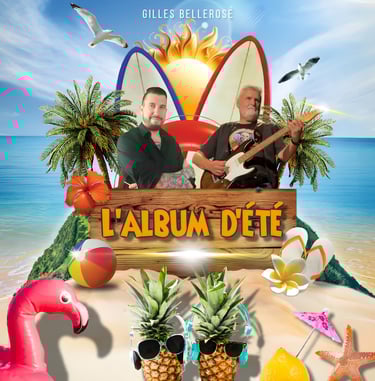




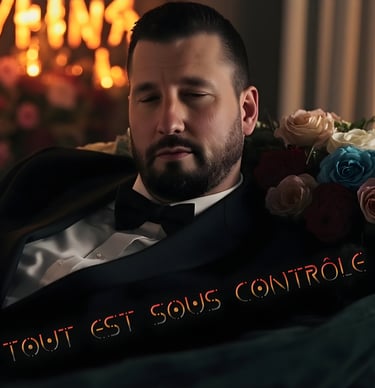
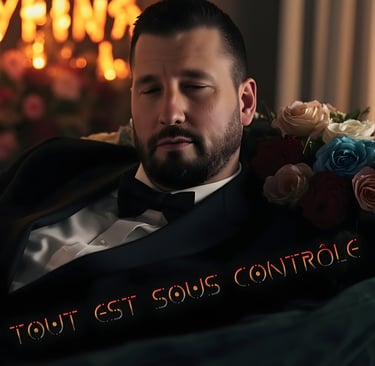


VIDÉOCLIPS ET PERFORMANCES LIVE


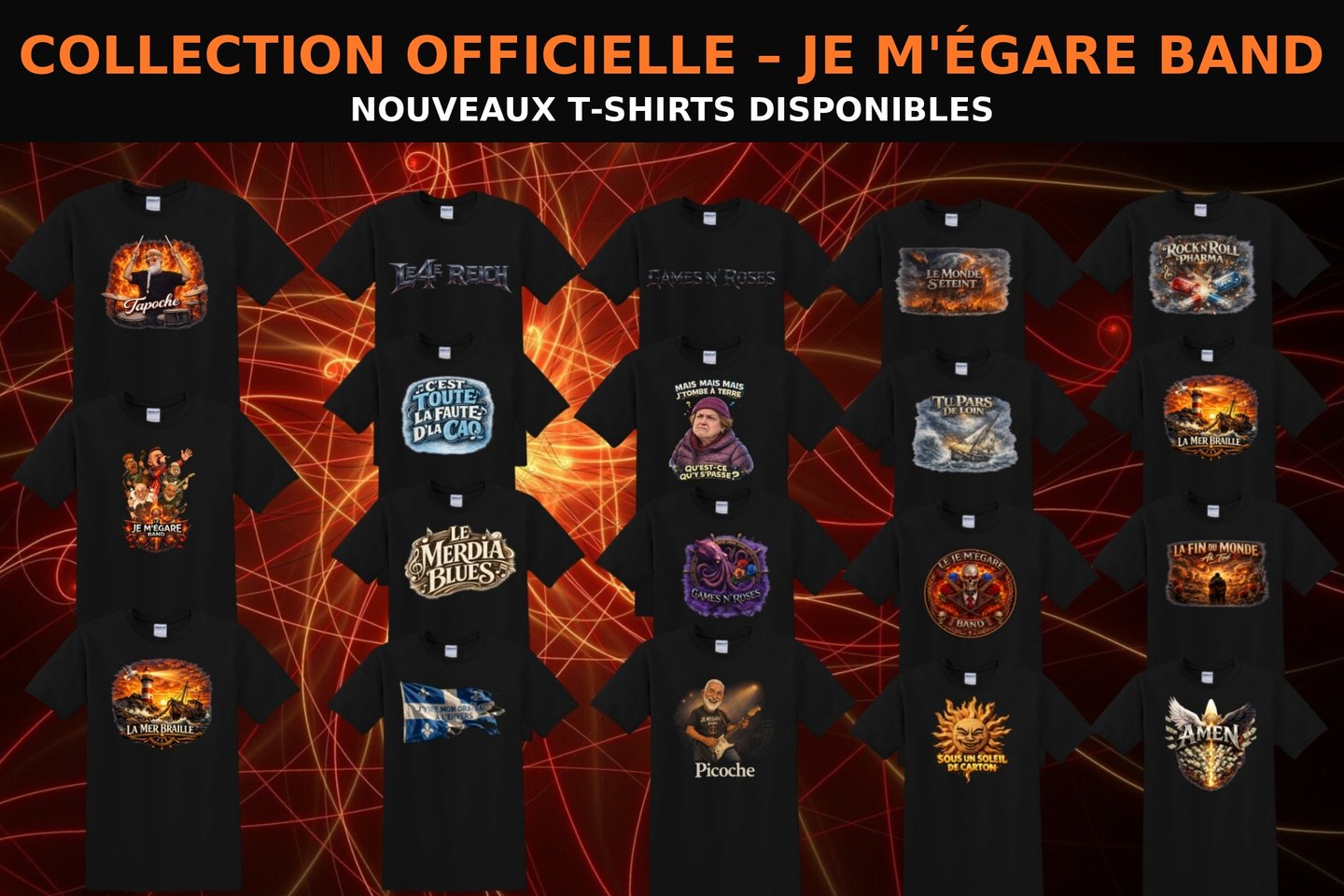
Le Je M'égare Band :
En décembre 2023, un certain Alain Patenaude m’a écrit pour retravailler trois des chansons que j’avais composées. Pour être honnête, j’avais déjà reçu une multitude de propositions, mais aucune ne valait réellement le détour. Étant alors plongé dans le tourbillon du spectacle Chow-Bye, j’ai simplement ignoré son message.
En janvier 2024, Alain est revenu à la charge et heureusement qu’il l’a fait. Car sans lui, des créations telles que Le monde s’éteint et Tu pars de loin n’auraient sans doute jamais vu le jour.
Après avoir réalisé les remasters de plusieurs de mes chansons, ainsi qu’une dizaine de reprises, Alain m’a proposé un nouveau défi : créer une chanson entièrement originale. Il m’a demandé de lui envoyer quelques notes de clavier par courriel, pour voir ce qu’il pourrait en tirer. C’est ainsi qu’est née notre toute première collaboration et notre tout premier succès : Le 4e Reich. La toute première chanson du projet.
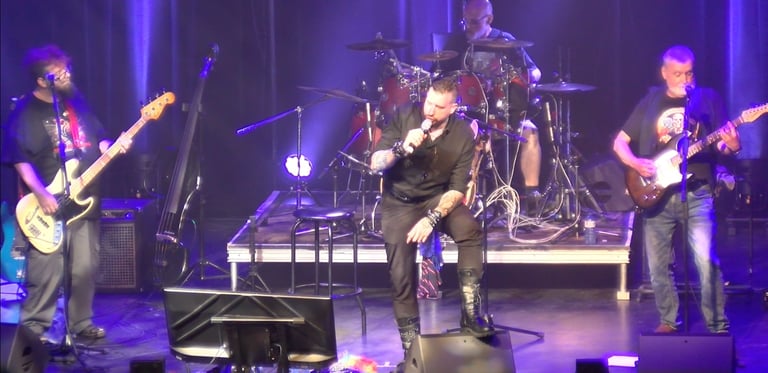
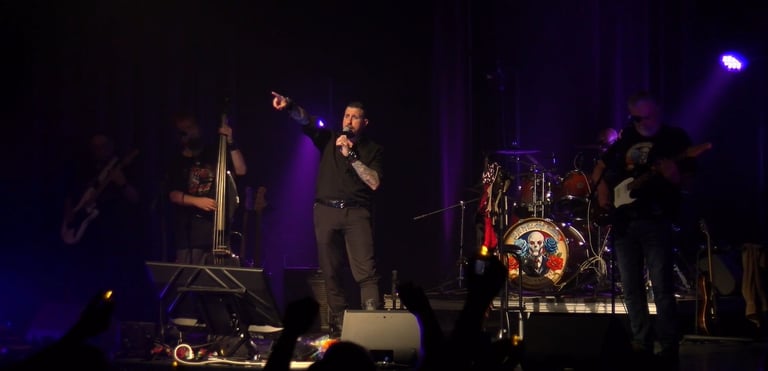
Un album plus tard, le Je M’égare Band prenait officiellement forme. La formation initiale regroupait Jacques Bélanger à la batterie, Tommy Bissonnette à la basse, Alain Patenaude à la guitare, et moi-même, Gilles Bellerose, au micro.
Puis vint l’heure du tout premier spectacle. La salle était pleine à craquer, mais malheureusement, les conditions techniques n’étaient pas à la hauteur de ce que le band avait à offrir. Cela dit, pour une première prestation ensemble, c’était tout de même très satisfaisant.
Par la suite, Tommy a choisi de se consacrer à son propre groupe, Liver Fool, ce qui nous a donné l’occasion rêvée d’intégrer à la formation Seb Bass et son clone jumeau, Martin L.
Aujourd’hui, le groupe est soudé, enthousiaste et plus créatif que jamais. Avec sept albums originaux en seulement un an et demi, nos chansons font réfléchir, danser, vibrer... et parfois même rêver. Et comme le dit si bien l’une d’entre elles :
« Pendant que j’ai l’droit d’être un rêveur. »
Nous vous invitons à visiter ce site officiel régulièrement pour savoir si le Je M’égare Band sera bientôt en spectacle près de chez vous.
"
C'est quoi exactement Games N Roses ?
En tout premier lieu, la toute première capsule humoristique de Games N Roses et de la chaîne YouTube est née le 17 juillet 2017 (aucun rapport avec une quelconque Q patente). Il s’agissait de récapitulatifs d’anecdotes drôles. En 2019, le fond vert est apparu, et les premiers sketchs ont vu le jour, en même temps que des personnages tels que le Père Bellerose.
En 2020, la chaîne a littéralement pris son envol avec des milliers de visionnements par vidéo. J’étais bien loin de me douter dans quelle aventure je m’embarquais en pointant du doigt les incohérences de la gestion d’une pandémie qui me semblait pourtant si évidente. Cela m’a valu de la diffamation, plusieurs menaces de mort et bien des péripéties négatives. Mais au bout du compte, les gens qui ont cru en ce projet en sont sortis gagnants, car j’étais encore loin de me douter où tout cela me mènerait.
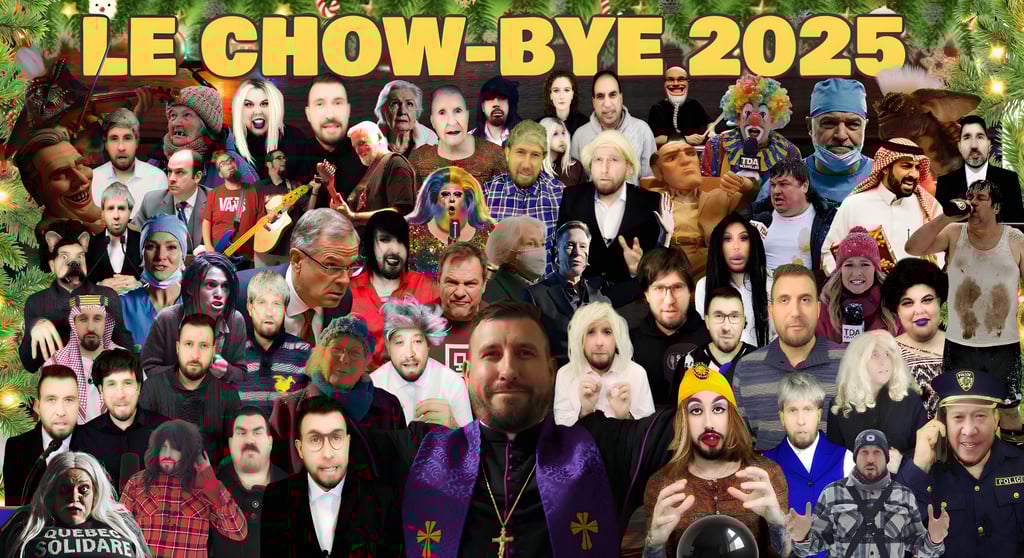
Depuis Noël 2020 jusqu’à 2025, la chaîne propose le Chow-Bye de Games N Roses, une alternative au Bye Bye de Radio-Cadenas qui repousse les limites du ridicule année après année. Et 2026 ne fera pas exception. En 2021, la première chaîne de GnR a sauté avec 19 500 abonnés. La deuxième chaîne de Games N Roses a sauté en 2022 avec 9 000 abonnés. La troisième chaîne a également sauté sans avertissement en 2023 avec 6 000 abonnés. Présentement, la 4e chaîne opère sans trop de problèmes.
En 2023, j’avais l’ambition de tester le marché du spectacle d’humour. Depuis que je suis jeune, je voulais tenter le coup, essayer de faire un one-man-show bien à moi. Et la réponse des fans fut exceptionnelle, avec des salles archi-pleines et des commentaires au-delà de mes attentes pour les premières tentatives. En janvier 2024, après avoir fait la rencontre d’Alain Patenaude et après avoir remasterisé deux ou trois chansons que j’avais composées, nous avons formé le Je M’égare Band.
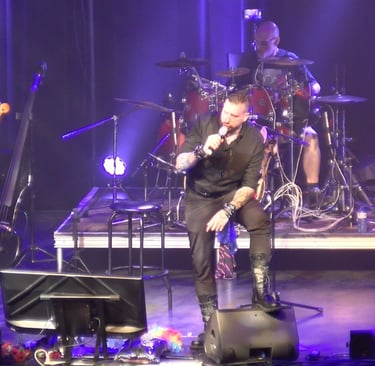
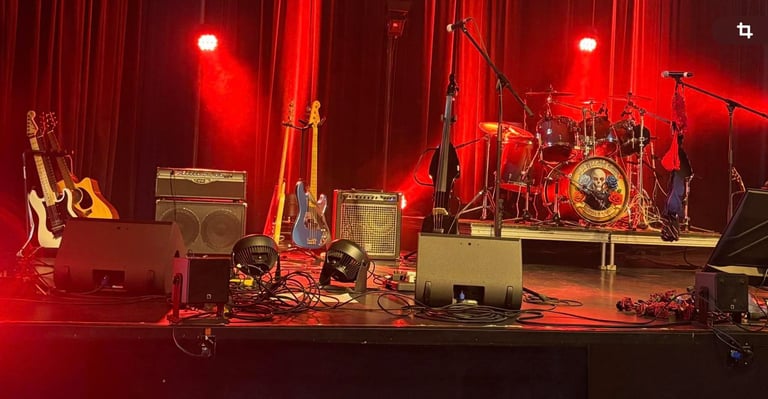
Quelques mois plus tard, nous avions assez de matériel pour lancer notre premier spectacle à LaScène Lebourgneuf, où le son et la technique laissaient à désirer pour un premier show rock. Mais cela n’a pas refroidi nos ardeurs, car les shows se sont succédé et les gens étaient au rendez-vous, chantant les chansons, faisant danser leurs lighters au son des ballades, hurlant les paroles les plus corrosives.
Pour l’instant, il est difficile de prédire ce que sera l’avenir de la chaîne, car elle ne cesse d’évoluer, de me surprendre moi-même. Et tant que les gens ne se tanneront pas de notre œuvre, la magie ne cessera pas d’opérer. Et comme je présume que, si vous êtes encore en train de lire ces lignes, c’est que vous aimez mon contenu, j’en profite pour vous remercier d’être là.
Capsules humoristiques
Games est né en 2017, alors que les capsules humoristiques étaient sous forme d'anecdotes. Au fil du temps, elles se sont transformées en sketchs avec fonds verts et techniques perfectionnées, devenant ainsi l'une des seules chaînes humoristiques à proposer ce genre d'humour avec un budget inexistant, mis à part le soutien de Patreon et de ses membres YouTube, sans qui tout cela ne serait pas possible.
Bande annonce du spectacle:
Sans aucune subvention, sans publicité et sans appui du milieu, nous parvenons à remplir de magnifiques salles qui osent accueillir un spectacle audacieux, rafraîchissant, extravagant et profondément émouvant, du début à la fin. Nos spectateurs repartent conquis, jamais déçus du moment passé en notre compagnie.


POUR SOUTENIR L'UNIVERS DE GAMES N ROSES
PAR INTERAC: DINDONMAUVE@GMAIL.COM
PAR PAYPAL: http://paypal.me/Gbellerose
DEVENIR MEMBRE INSIDERS YOUTUBE: https://www.youtube.com/channel/UC_by28bfmsJsm2fImdeyzKA/join
Par la POSTE: CP 41907 Rimouski CP du Carrefour, Qc, G5L 0B5